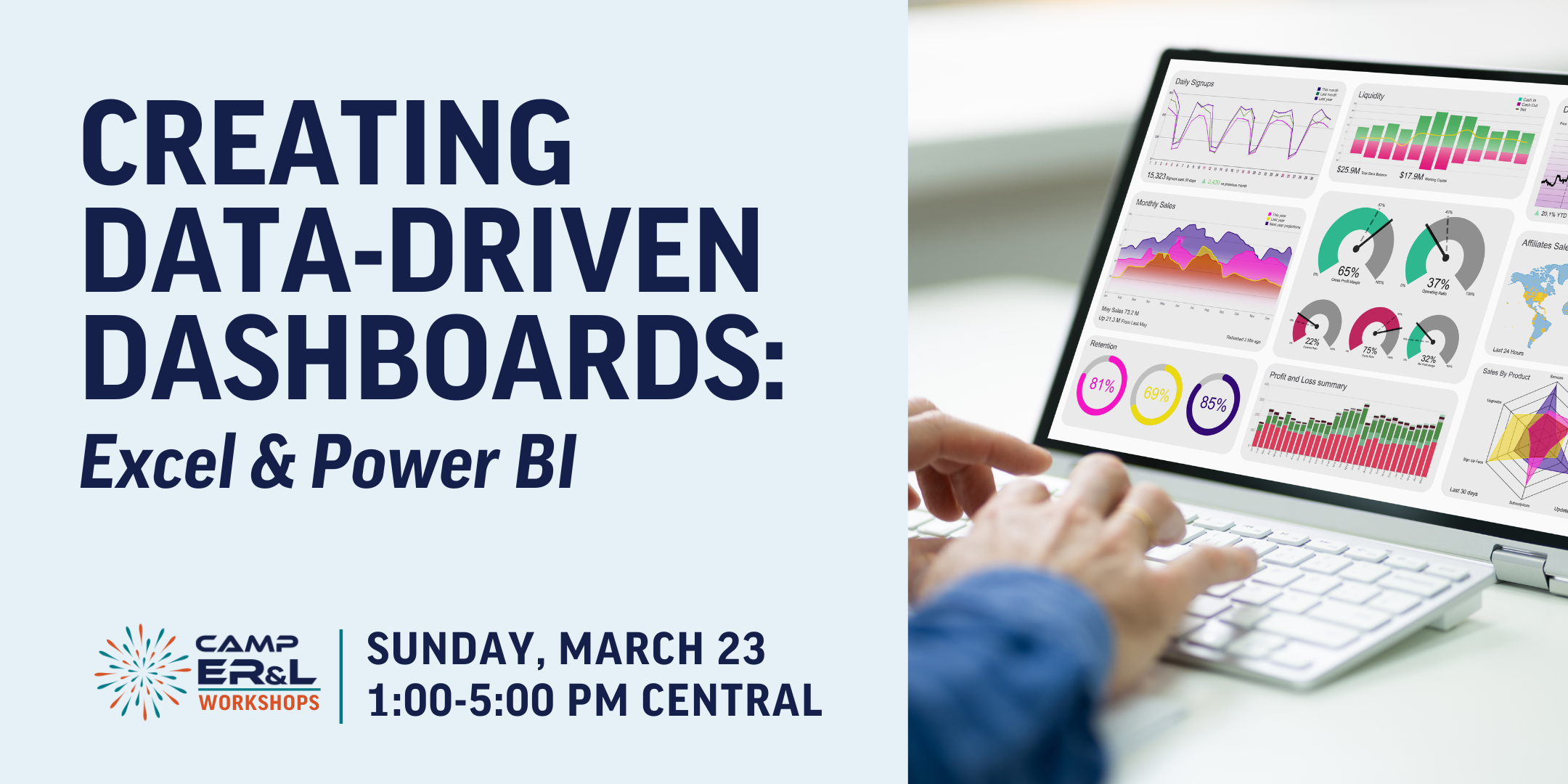
This workshop is hosted as a pre-conference workshop during the 2025 Annual Conference in Austin, Texas. This workshop is available to in-person attendees only. It will not be available online.
Ticket Cost: $195/ in-person attendee
Attendees will need a Windows PC with the latest versions of Microsoft Excel & Microsoft Power BI. The Power Query capabilities in Excel for Mac are quite limited, and Power BI is Windows-only. It is not necessary for attendees to have a license for Power BI for this workshop.
Building data-driven dashboards to track library processes and make informed decisions is easy!
In this pre-conference workshop, attendees will learn how to create interactive and data-driven dashboards using Excel Pivot Tables, Power Query, and Power BI. The workshop is designed to offer hands-on and practical experience in two main areas:
- Excel Dashboards with Pivot Tables & Power Query: Participants will learn to create interactive local dashboards directly in Excel through the use of Pivot Tables, Pivot Charts, and the Power Query Editor. This section will cover how to query, transform, and visualize data to develop insightful dashboards entirely in Excel.
- Power BI Reports for Web Access: The workshop will then shift focus to Power BI, which also includes the Power Query Editor. Participants will create web-accessible reports and dashboards, using real-world library examples. By the end of this section, attendees will have hands-on experience designing shareable reports that can be accessed via a web browser.
This workshop is designed for attendees with an intermediate comfort level in working with Microsoft Excel. Each participant will have the opportunity to build multiple dashboards from start to finish, gaining practical skills they can immediately apply in their own work.
Note: Attendees will need a Windows PC with the latest versions of Microsoft Excel & Microsoft Power BI. The Power Query capabilities in Excel for Mac are quite limited, and Power BI is Windows-only. It is not necessary for attendees to have a license for Power BI for this workshop.
Following the workshop, participants will be able to:
- interpret and visualize interactive data using Pivot Charts in Excel.
- apply data transformation techniques in the Power Query Editor.
- create web-accessible reports and dashboards using PowerBI.
AUDIENCE LEVEL: Intermediate
PARTICIPATION: Multiple active learning methods, including demonstrating with small group breakouts, polling while presenting, individual exploration time, etc.