
Visualizing Collections Data with PowerBI: A Workshop for Creating Custom Collection Analysis Reports
Sunday, March 3, 2024, 1:00-5:00 pm CST
This Pre-Conference Workshop will take place live in-person only. Course participants will attend this 4-hour course at the AT&T Conference Center in Austin, Texas.
Ticket Cost: $175/ ticket
Registration is now closed for workshops.
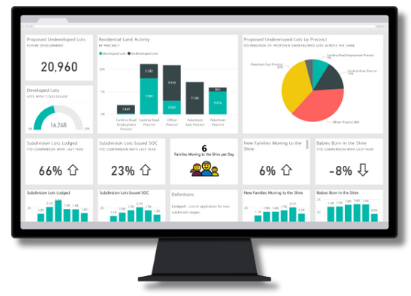
About this workshop:
You have heard about Tableau for collection analysis, but what about PowerBI? Power BI is a free Microsoft product that can easily connect to multiple data sources to visualize and analyze data. This hands-on workshop will teach basic skills that can be used to create collection analysis reports with a focus on measuring diversity in a collection.
Using sample data provided by the instructor, this workshop will cover:
- how to install PowerBI Desktop.
- star schema data modeling concepts.
- how to connect to data sources.
- how to create relationships between data sources.
- how to combine COUNTER 5 Usage Data.
- how to create Measures to analyze numerical data.
- how to use PowerBI’s visualizations to create reports.
Who should attend this course?
This workshop is designed for participants with no experience using PowerBI. Participants will leave the workshop having basic skills to complete collection analysis projects at their own workplaces.
Audience Level: Foundation
Following the workshop, participants will:
- connect, combine, and analyze collection usage data.
- understand basic data modeling concepts for accurate and efficient data analysis.
- gain basic skills to create a collection holdings and usage report focusing on subject and geographic diversity.
Attendee Participation:
This workshop will be highly interactive, with the instructor walking through a set of instructions along with the participants. Participants will be encouraged to ask questions throughout the workshop.
The workshop will begin with an introduction to PowerBI and how the University of Colorado Boulder uses the product for a variety of collection analysis reports. The rest of the workshop time will be used to walk through how to install and use PowerBI using sample data provided by the instructor.
Participants are requested to bring their own laptop to fully participate in the course. Prior to the course, the instructor will contact the attendees with instructions on how to download PowerBI to their computer.
Meet Your Course Instructor
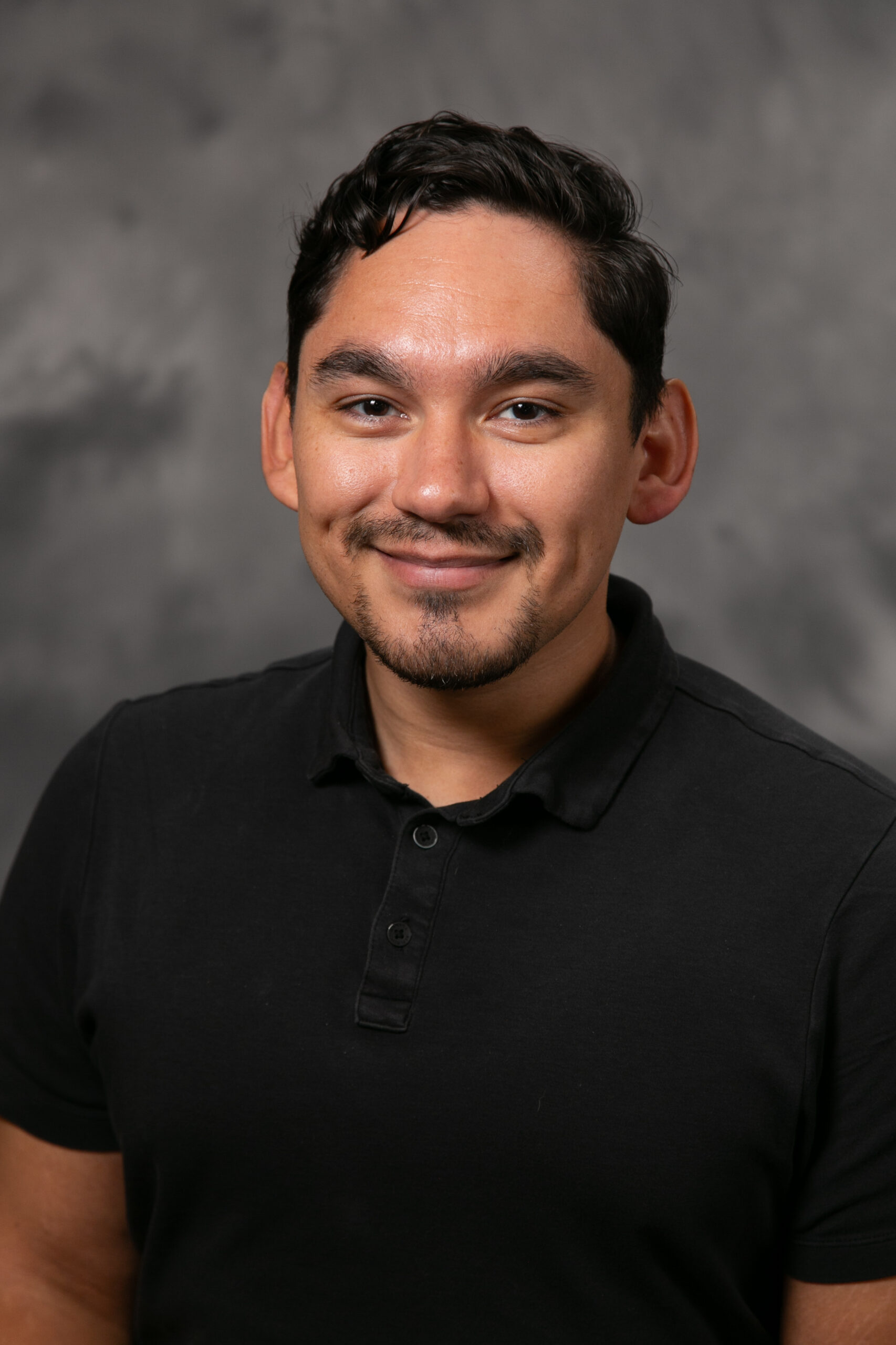
Arthur Aguilera
Collection Development & Assessment Librarian
University of Colorado Boulder Libraries
Arthur Aguilera (he/him) is an Assistant Professor and Collection Development & Assessment Librarian at the University of Colorado Boulder. In this role, he supports the University’s teaching, learning, and research activities by ensuring that library collections are diverse, accessible, and responsive to the evolving needs of the academic community. He is passionate about visualizing data to inform collection-building and assessment practices.